A two-part AI system that helps small business owners capture better leads with intelligent forms, then manage, score, and convert those leads with a CRM co-pilot that does the thinking for them.
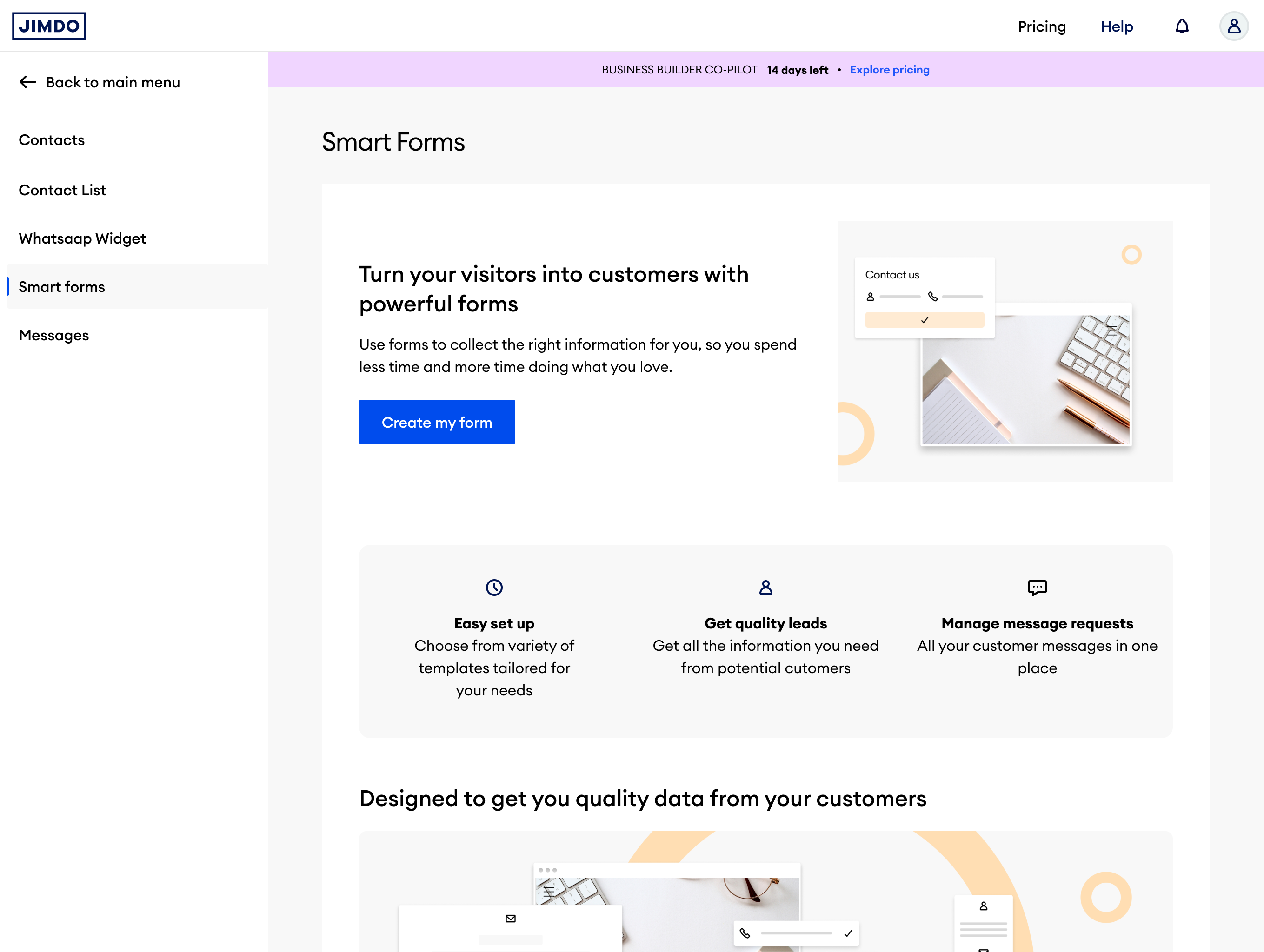
Most Jimdo users run service-based businesses: yoga teachers, coaches, consultants, photographers. They have a website but no real system for capturing or following up with enquiries. A generic contact form is not enough.
Research validated two distinct personas with different relationships to lead management, but the same underlying pain.
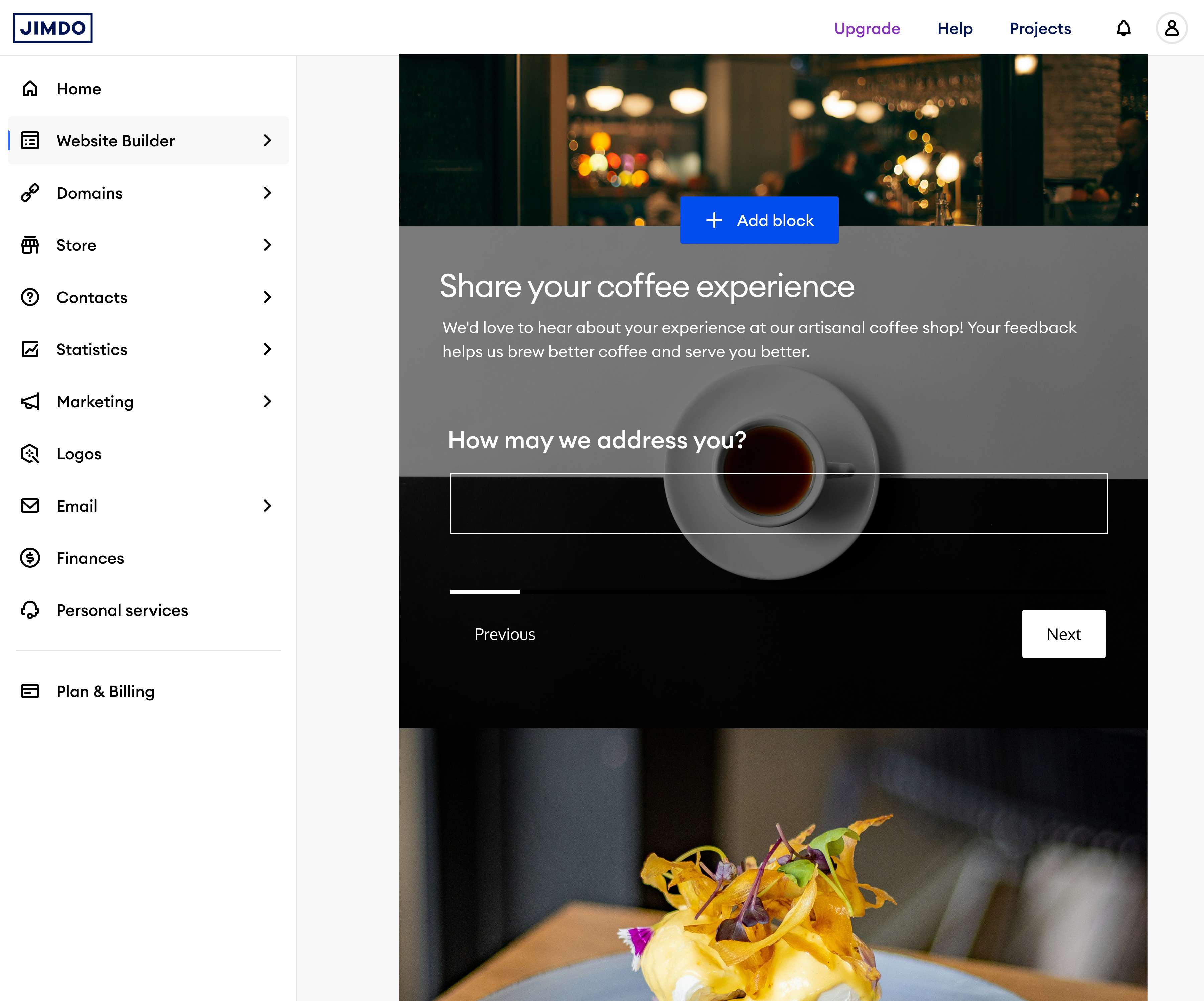
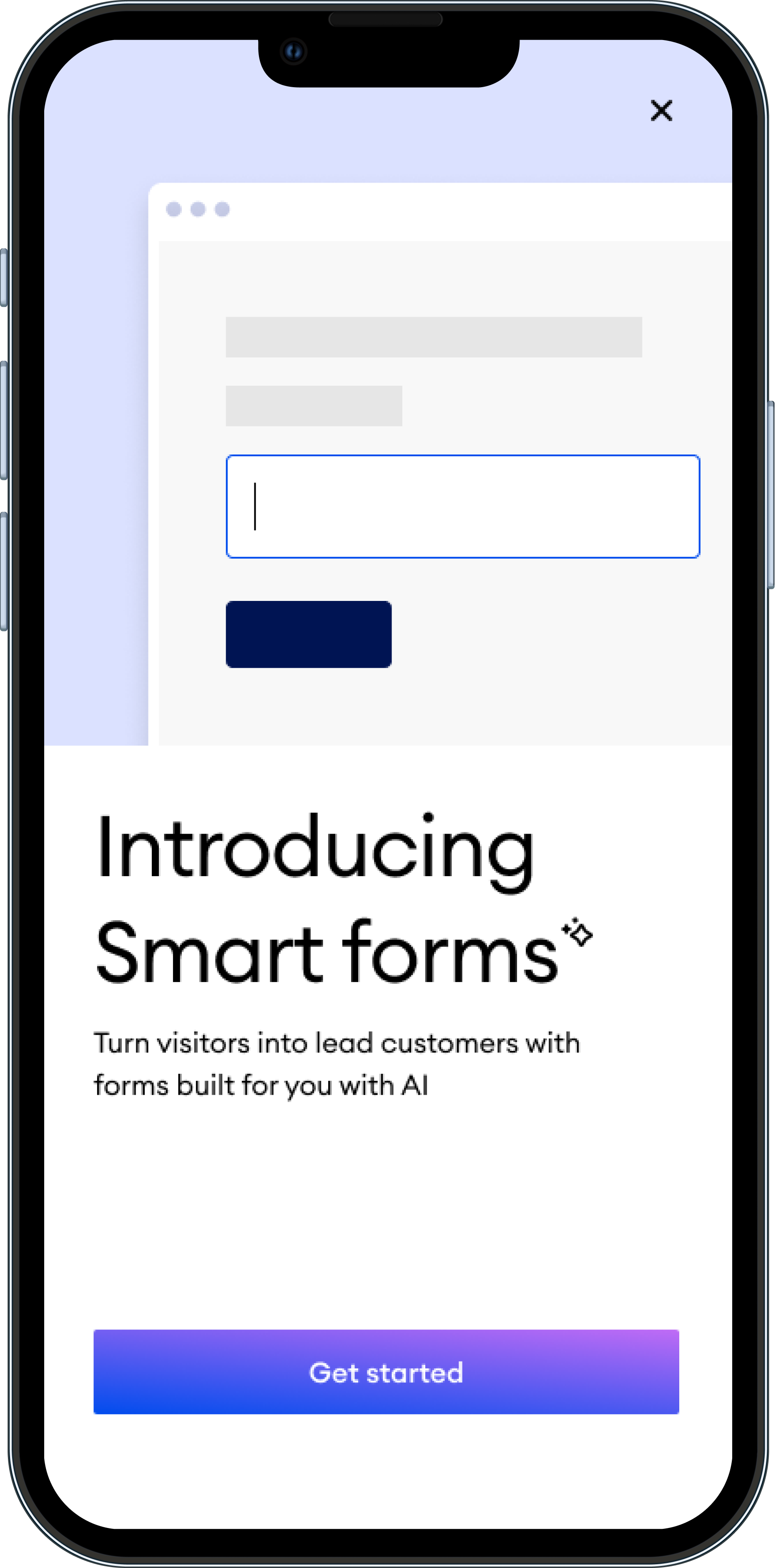
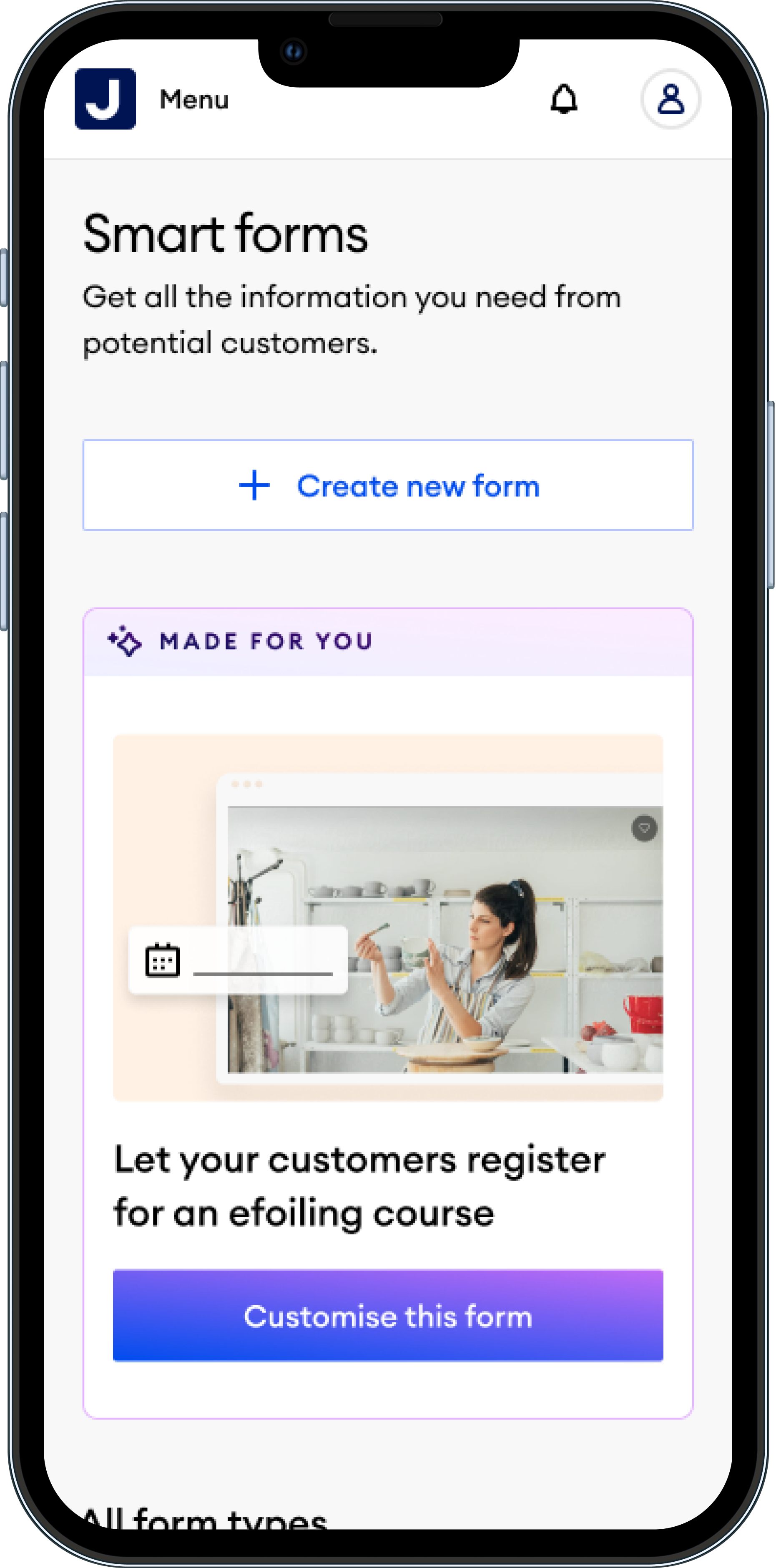
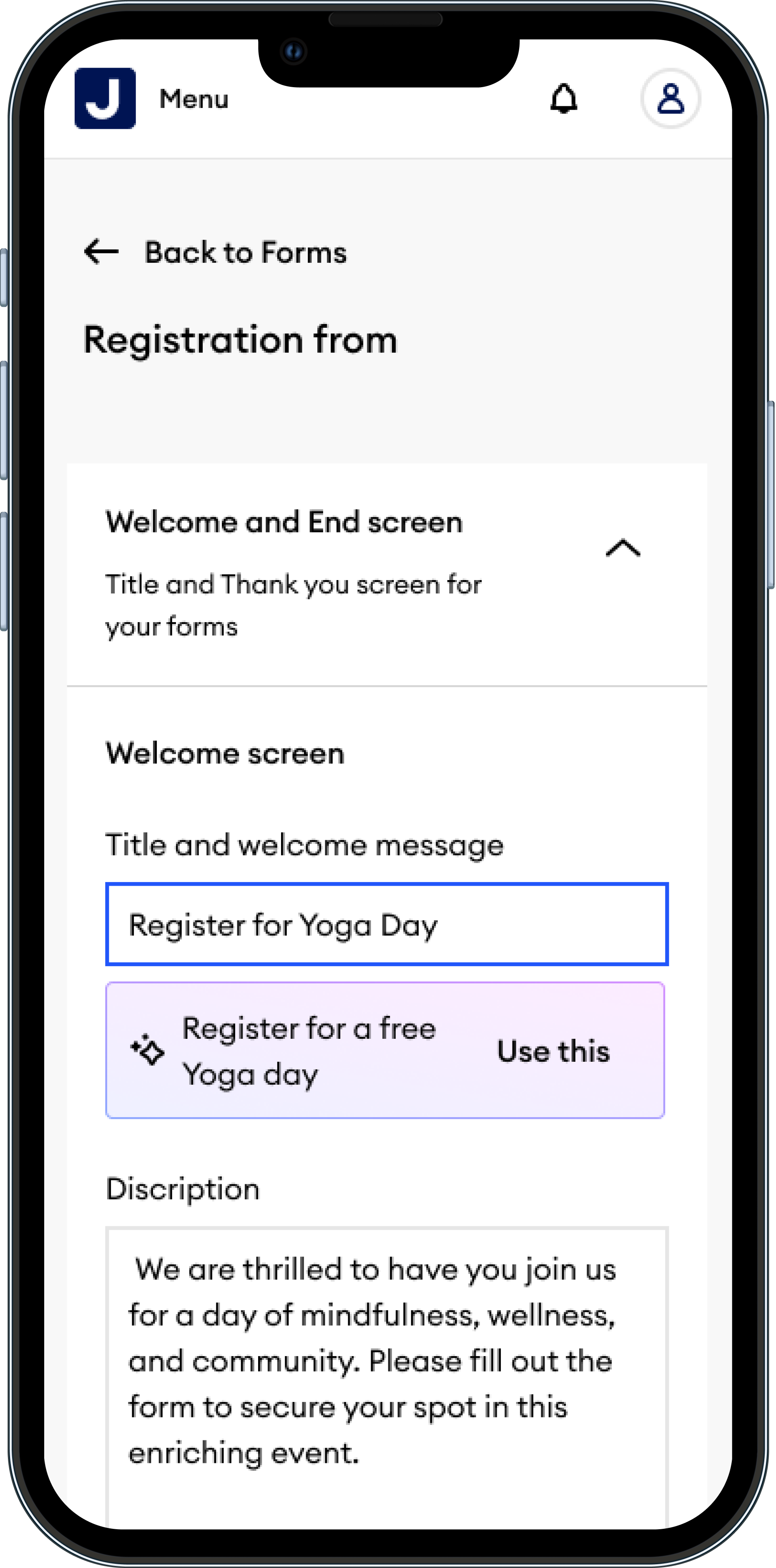
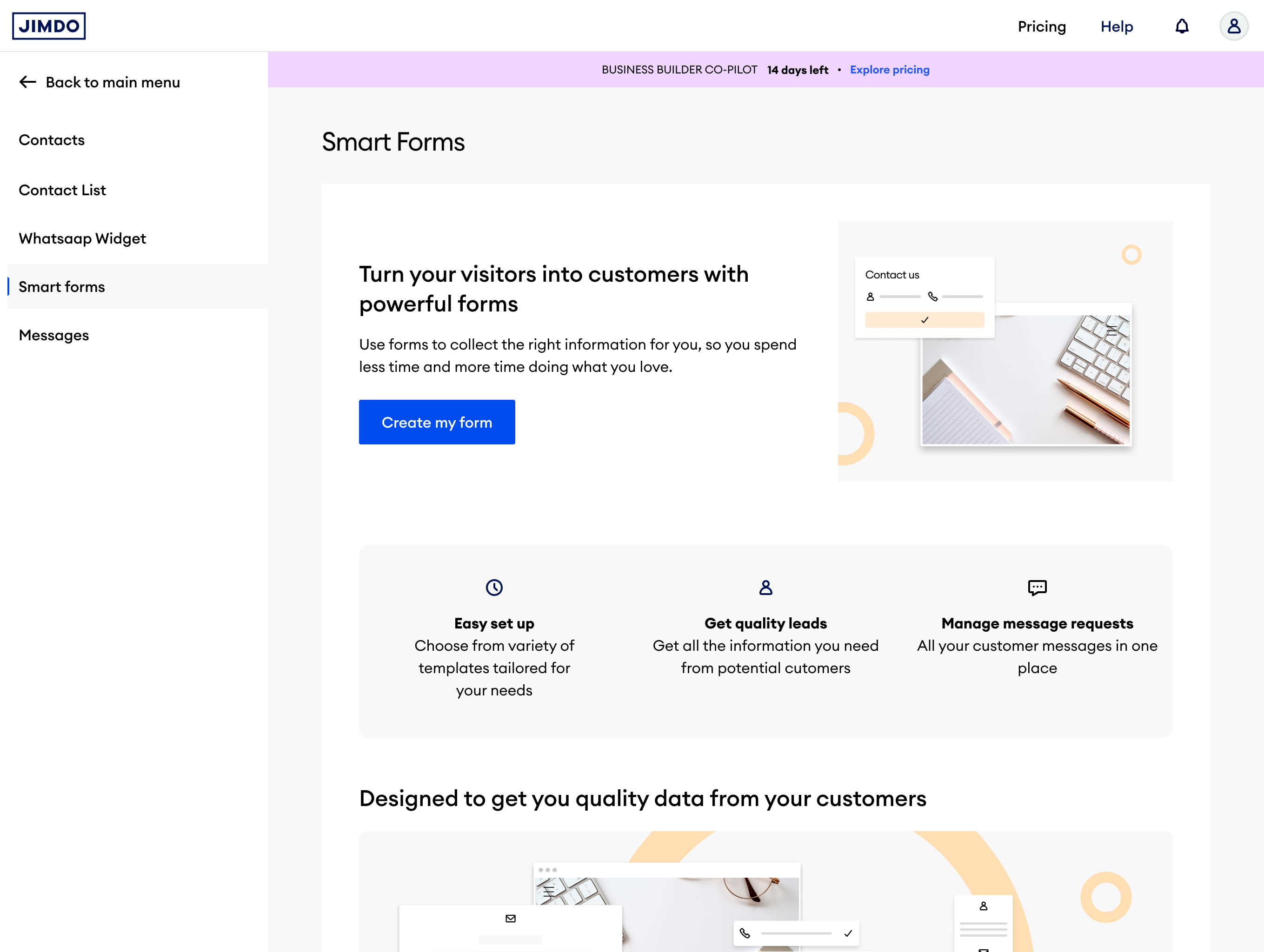
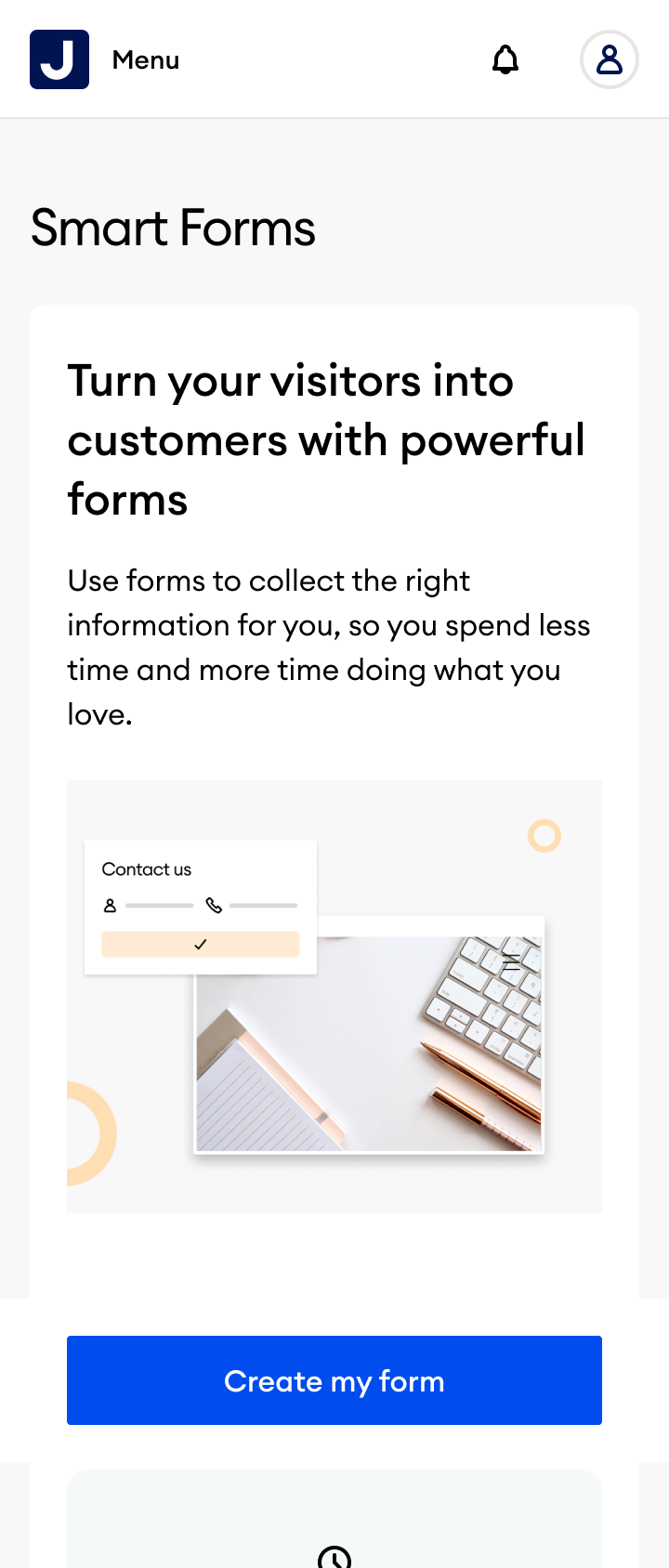
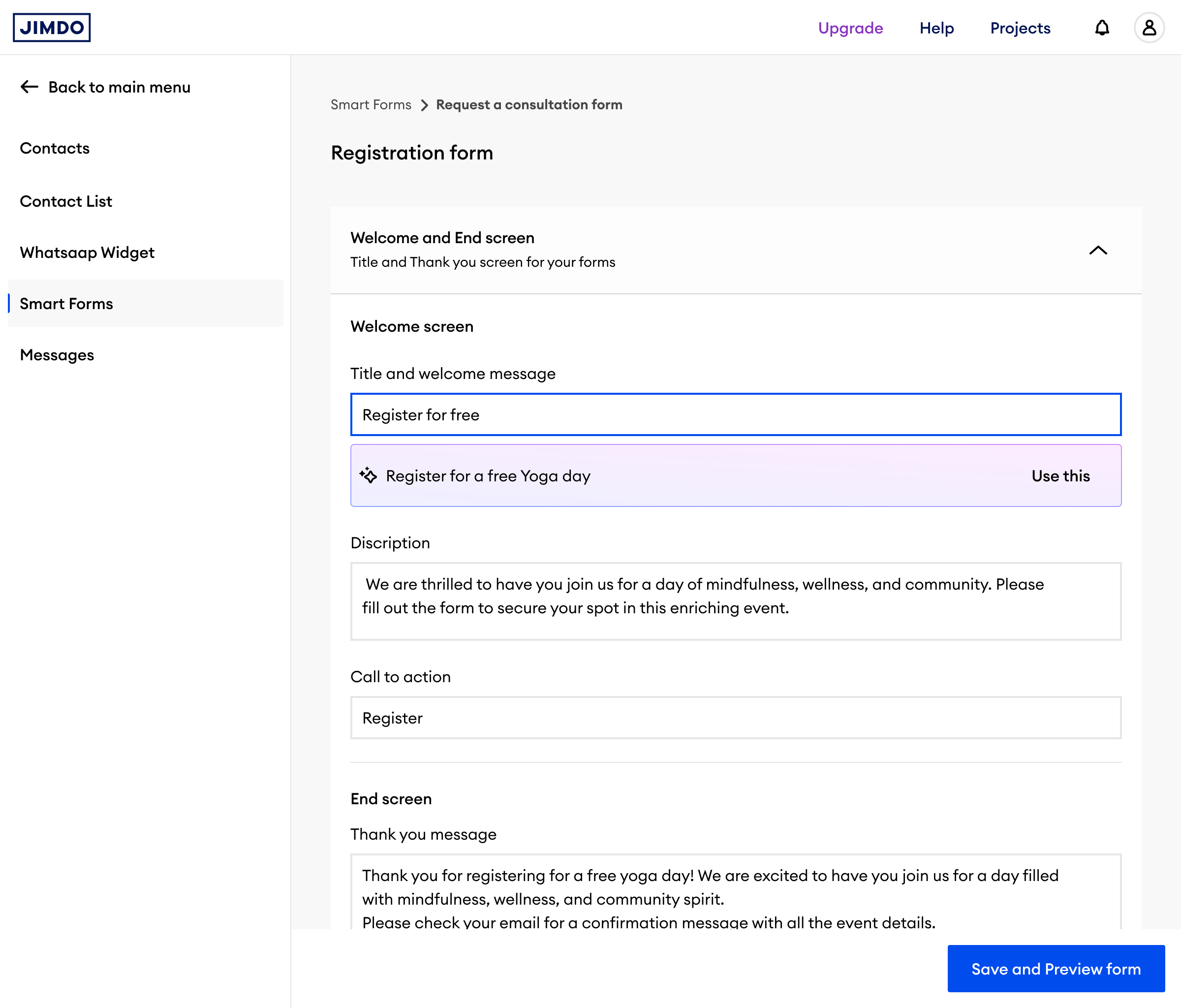
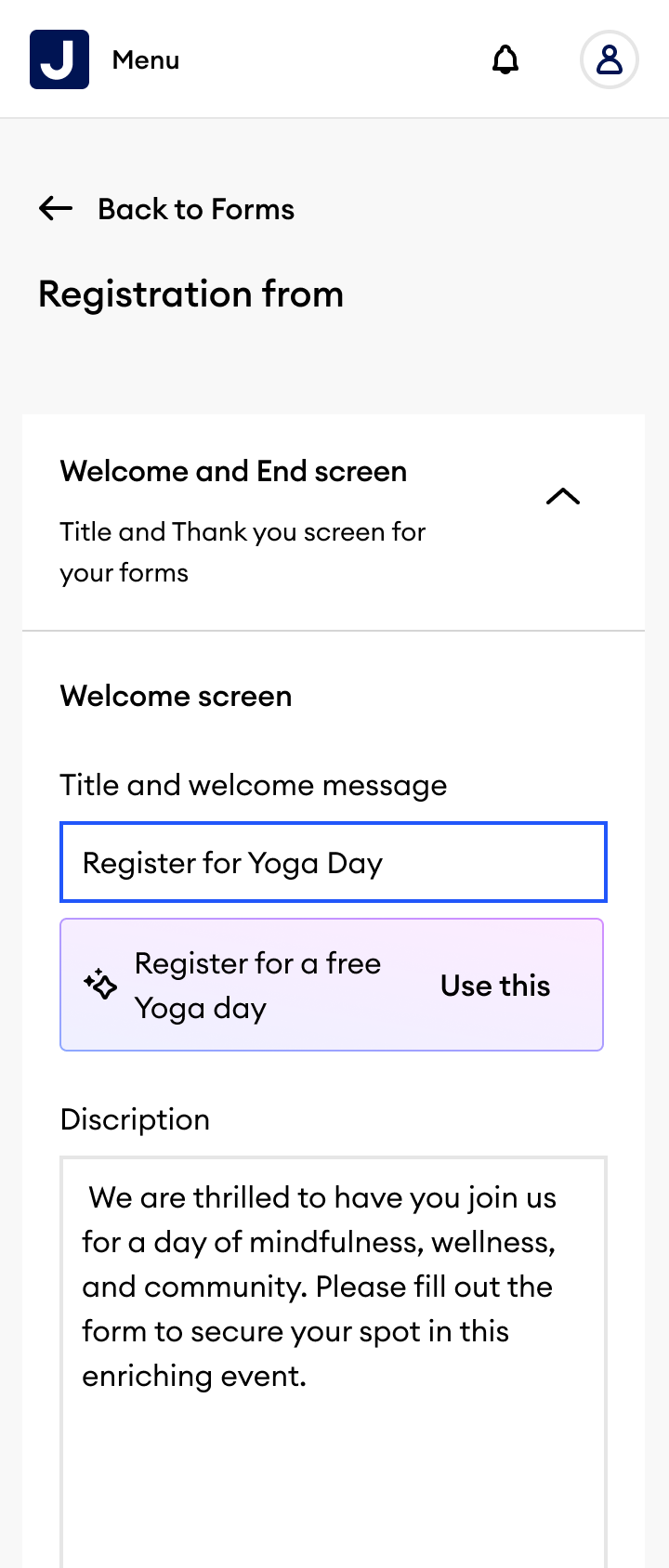
The answer was AI-driven form generation. A user types a brief description: the AI generates the form, the fields, and the logic. No template-hunting, no guessing what to ask.
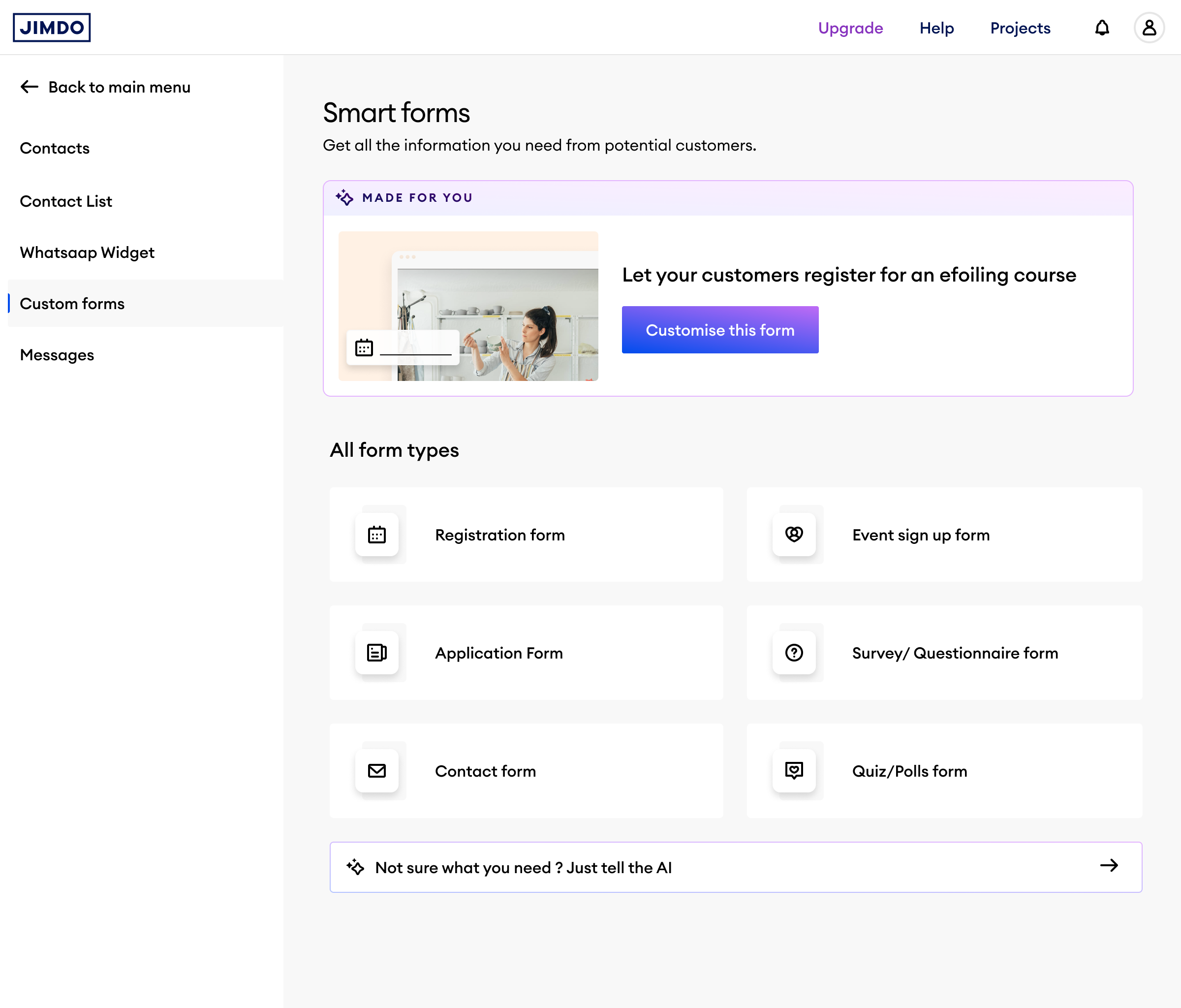
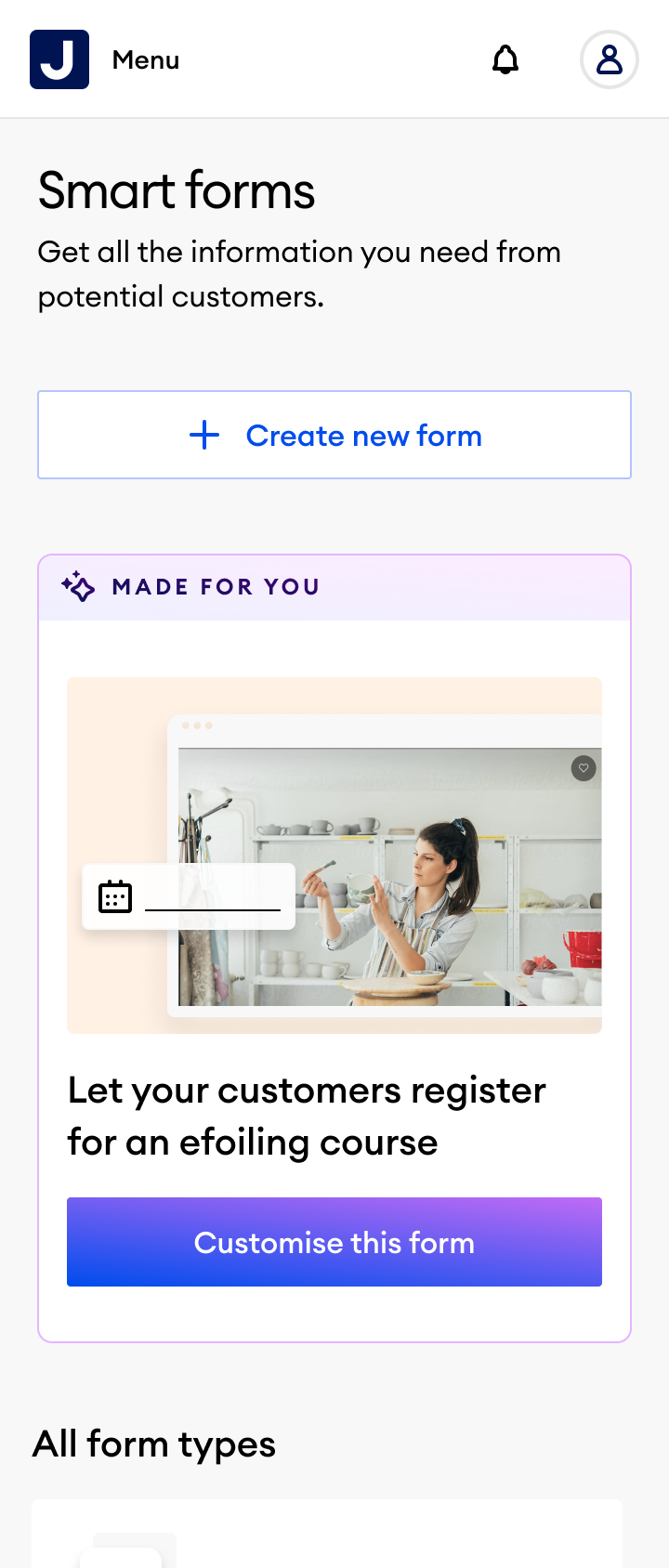
Four screens showing the complete journey, from choosing a form type to a live, published registration form.
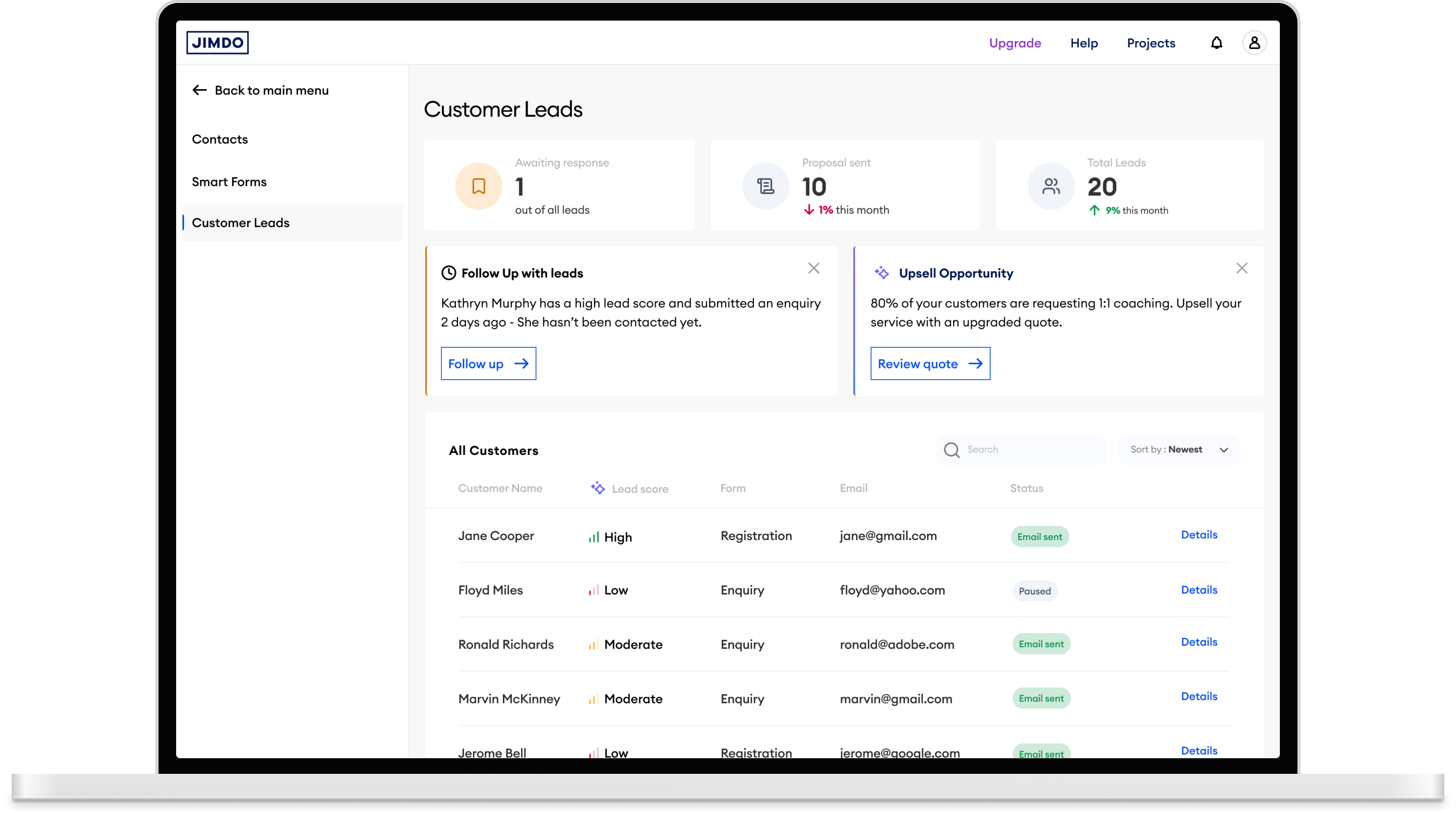
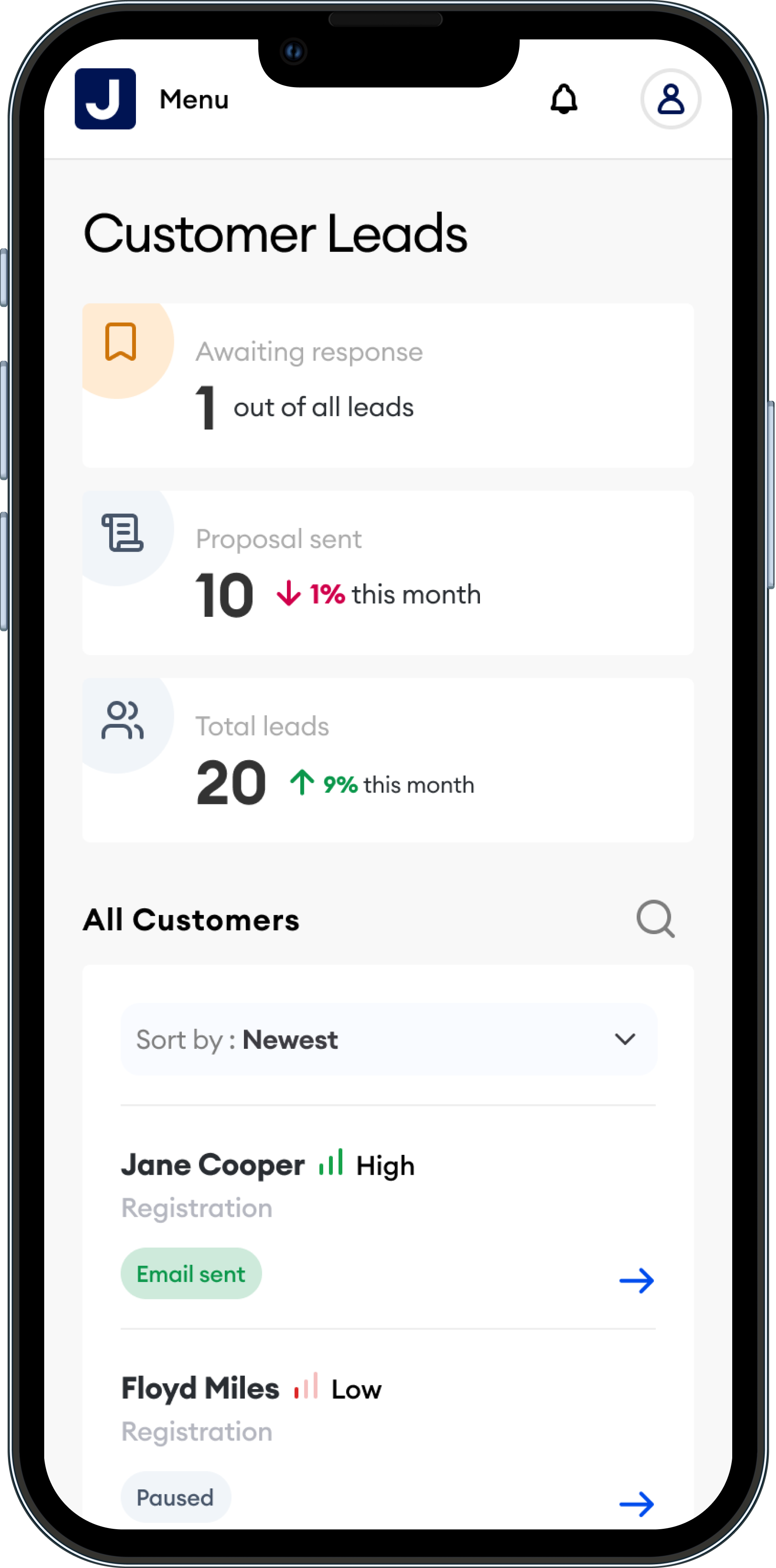
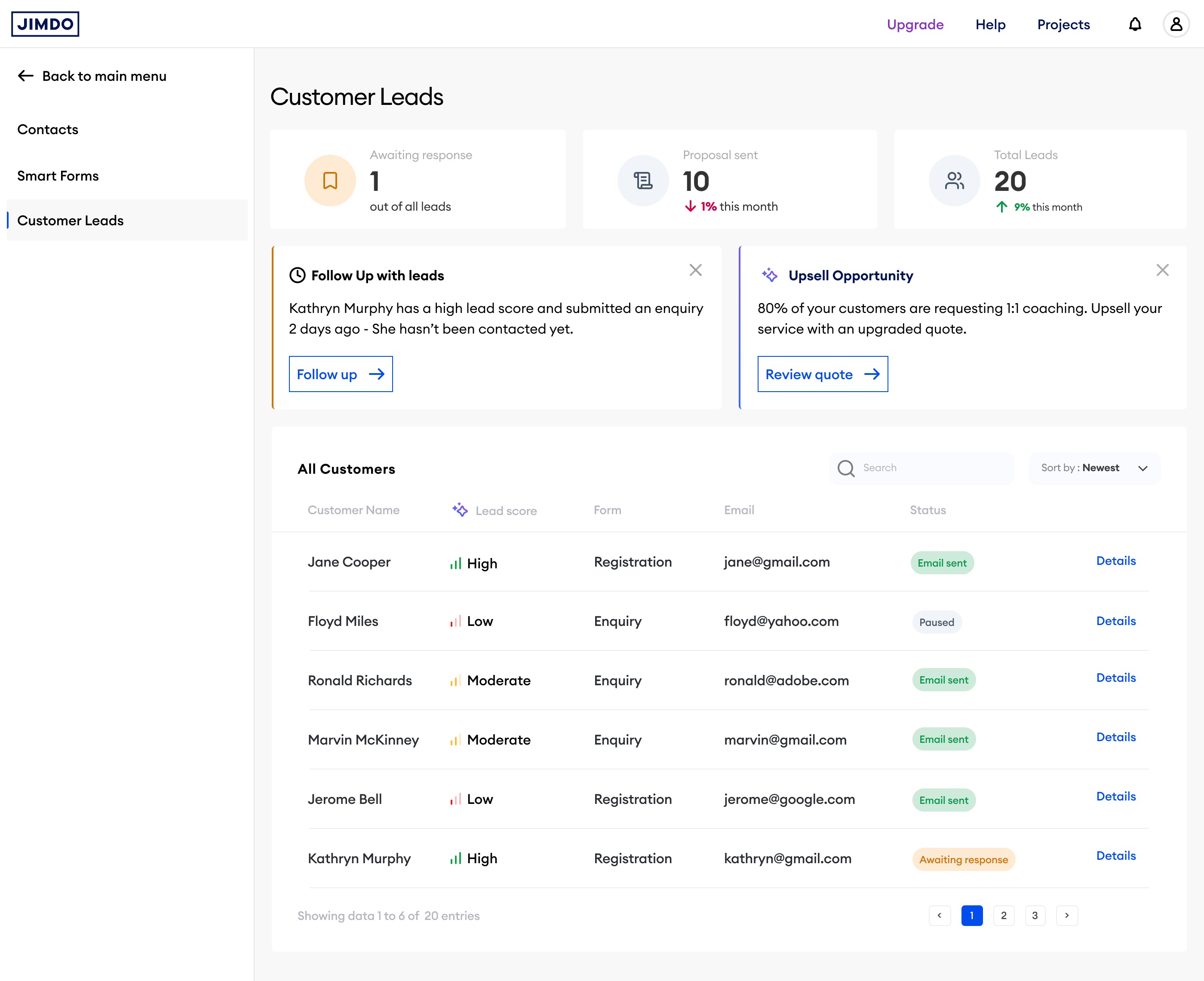
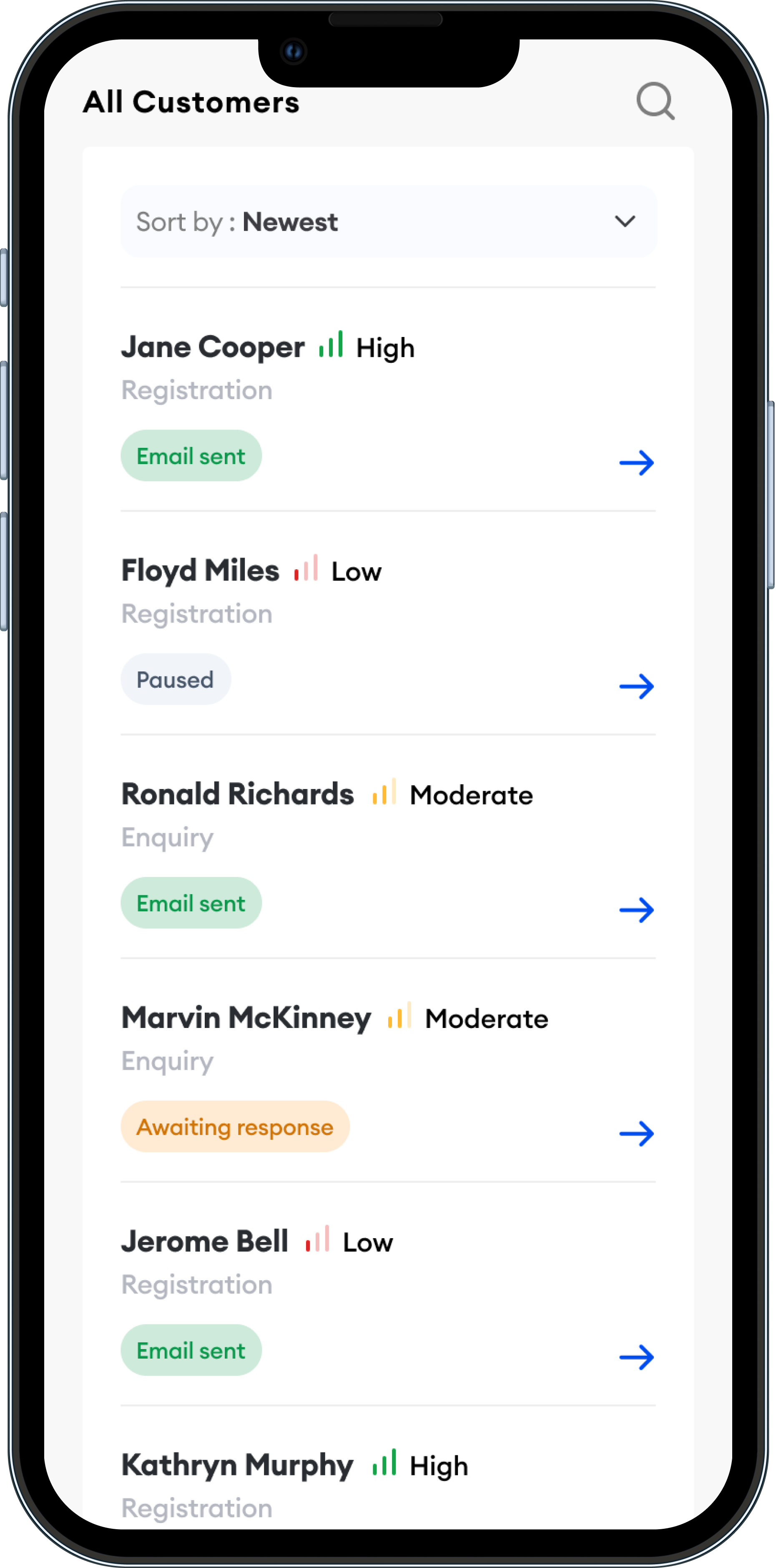
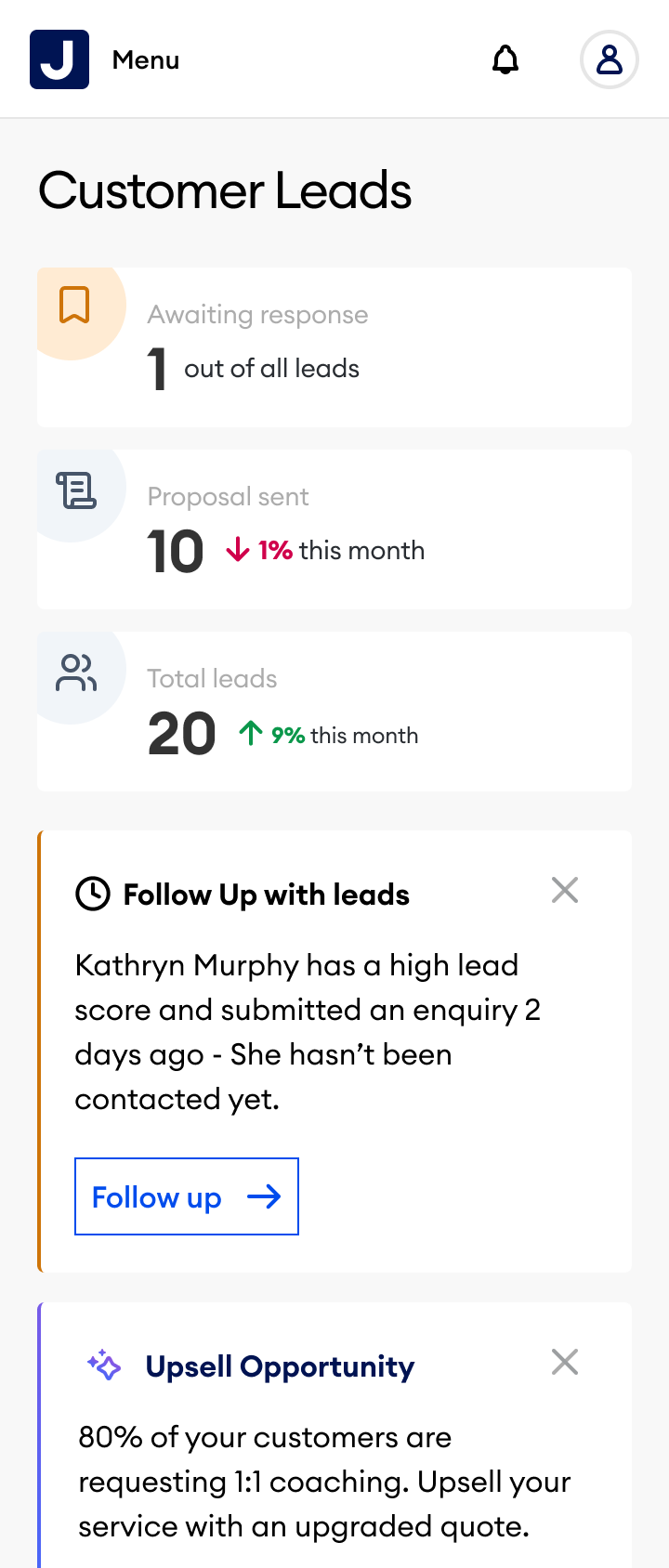
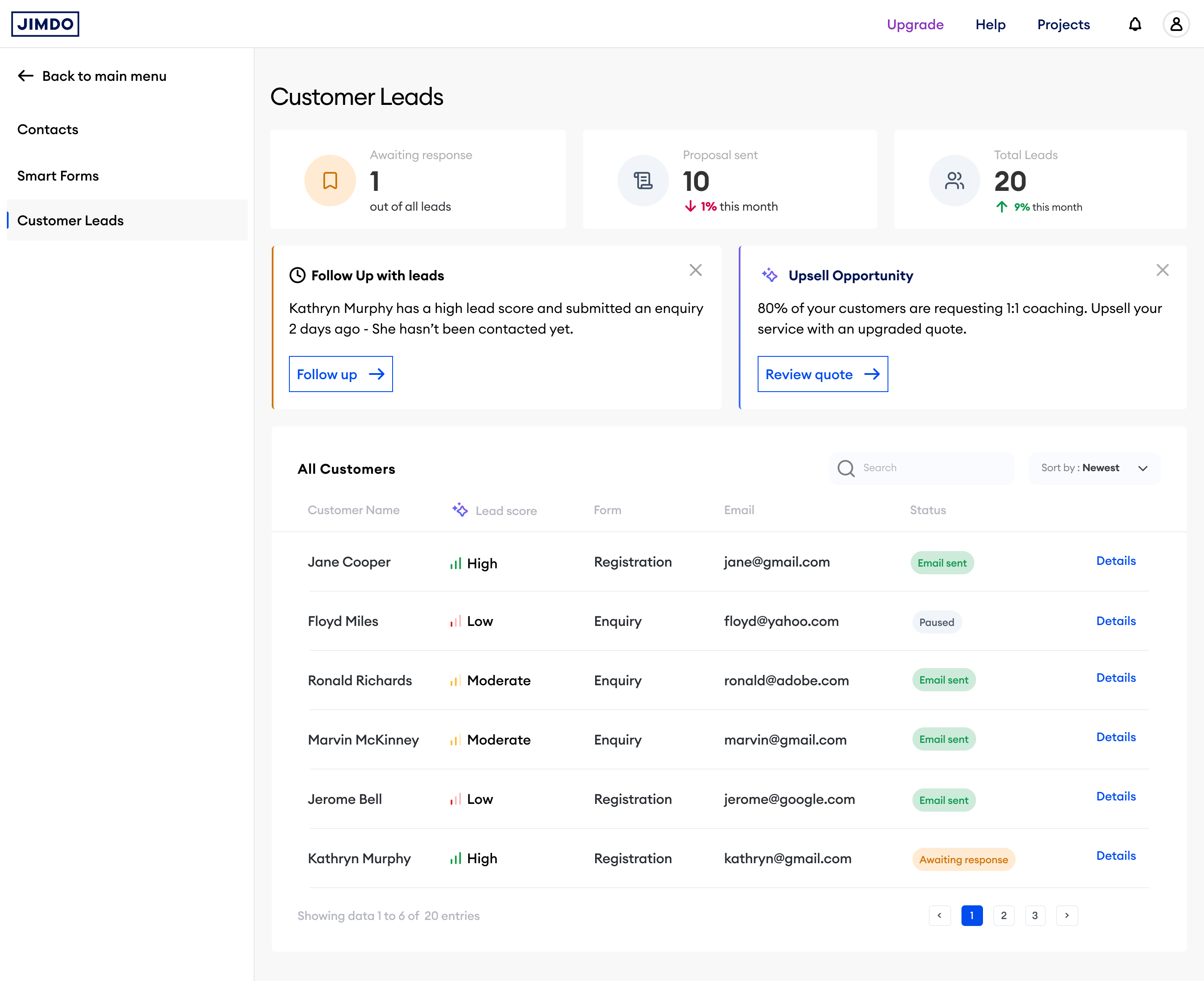
The Vision CRM builds on the leads Smart Forms captures. Every submission flows into a dashboard where the platform does the analysis, scoring leads, surfacing actions, and generating suggested replies, so the owner can focus on doing the work, not managing the pipeline.
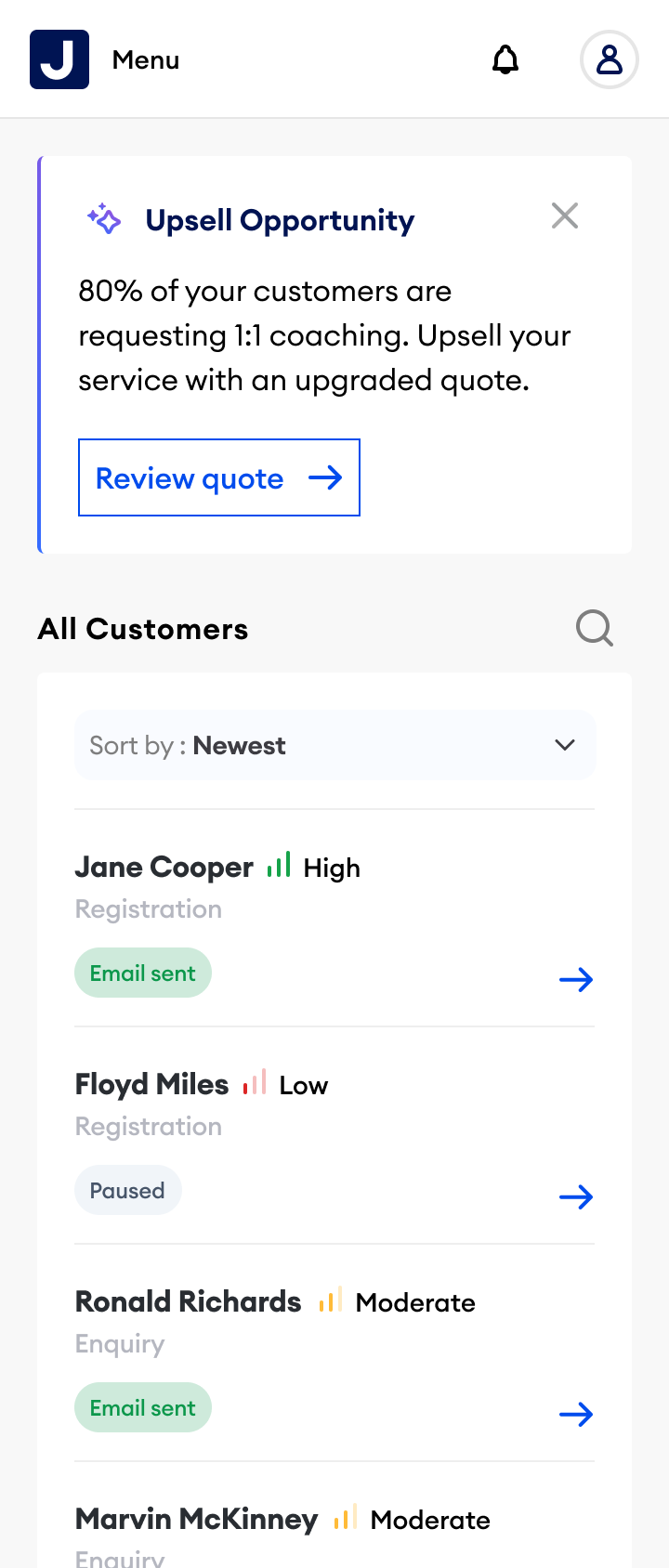
Each enquiry is automatically scored High, Moderate, or Low based on submission content, service interest, and engagement signals. Users see at a glance who to prioritise, no manual triage needed.
The co-pilot surfaces contextual recommendations directly in the dashboard. No inbox digging. No manual triage. The product does the thinking.
The dashboard surfaces broader business insights drawn from patterns across the platform, turning a contact tool into a genuine business advisor.
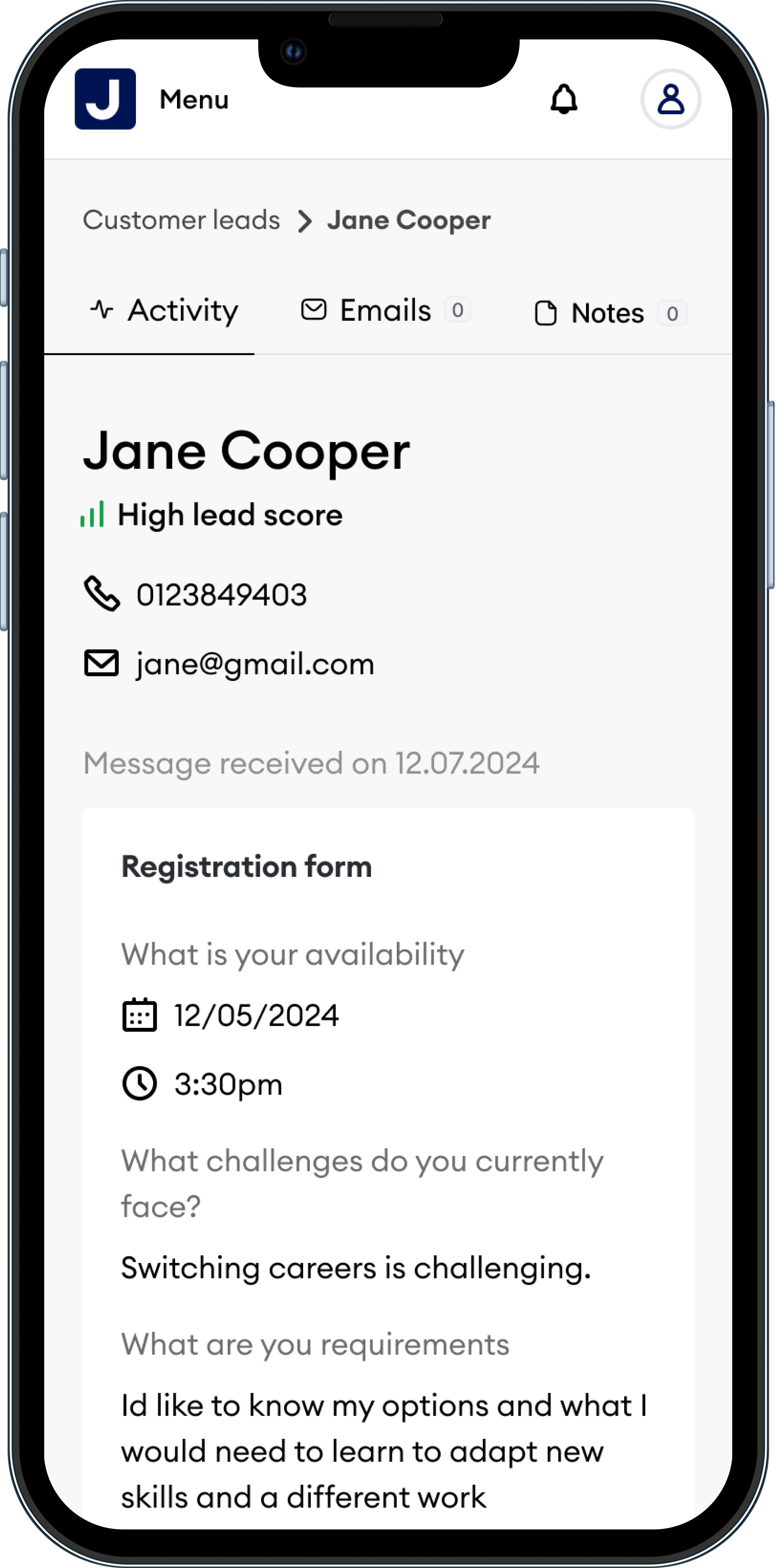
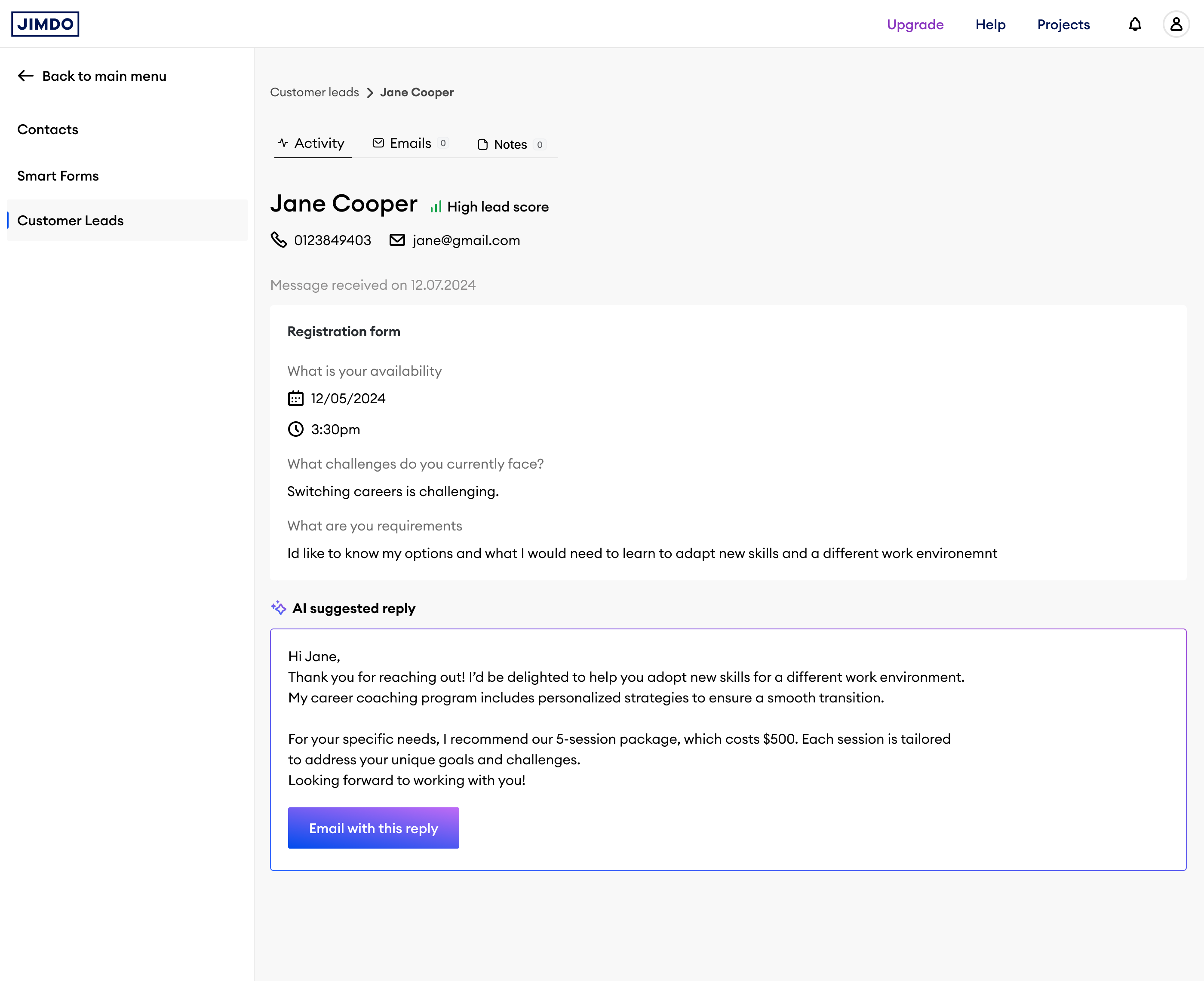
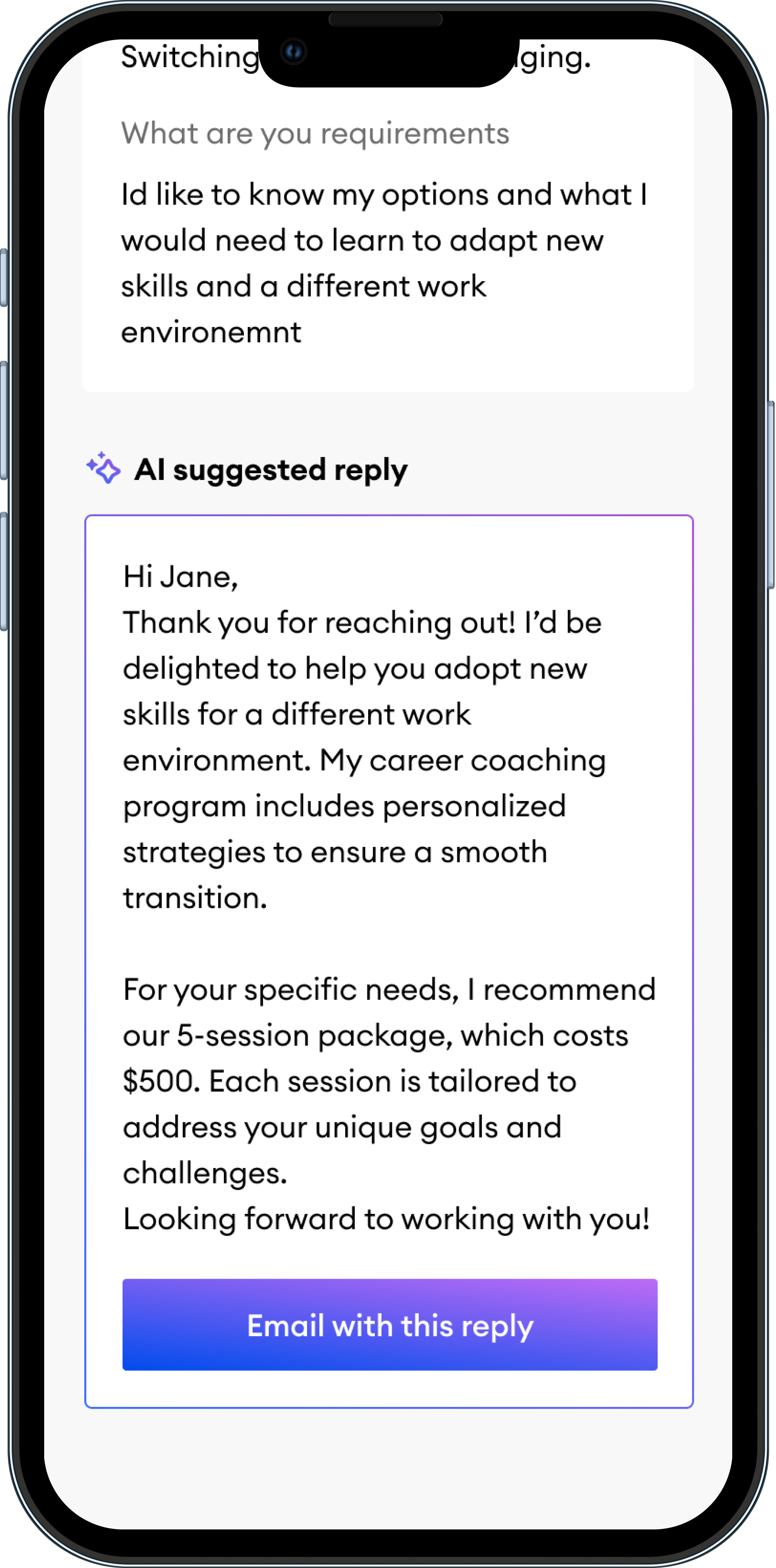
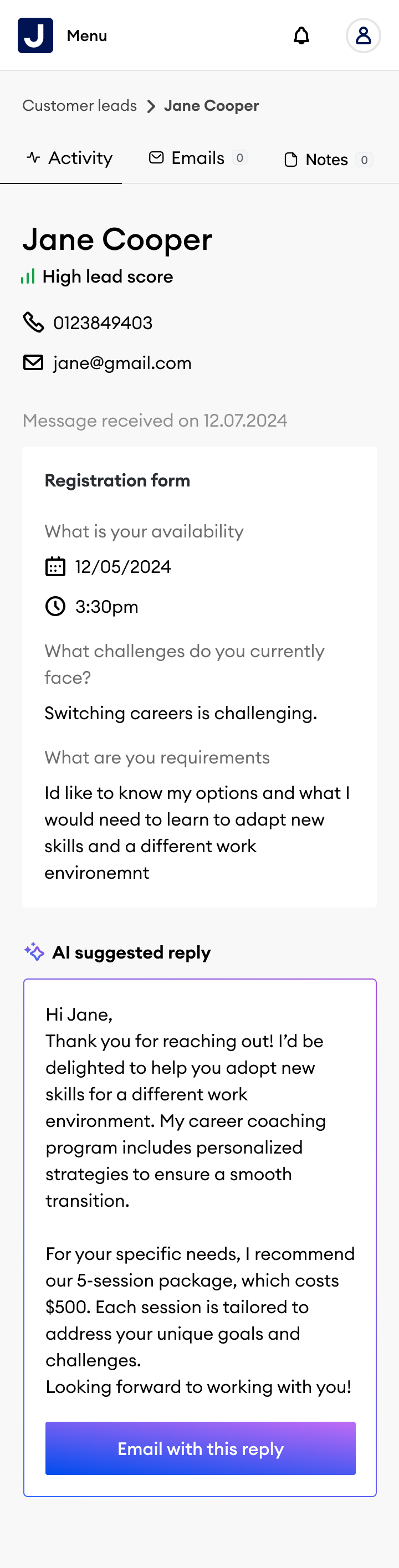
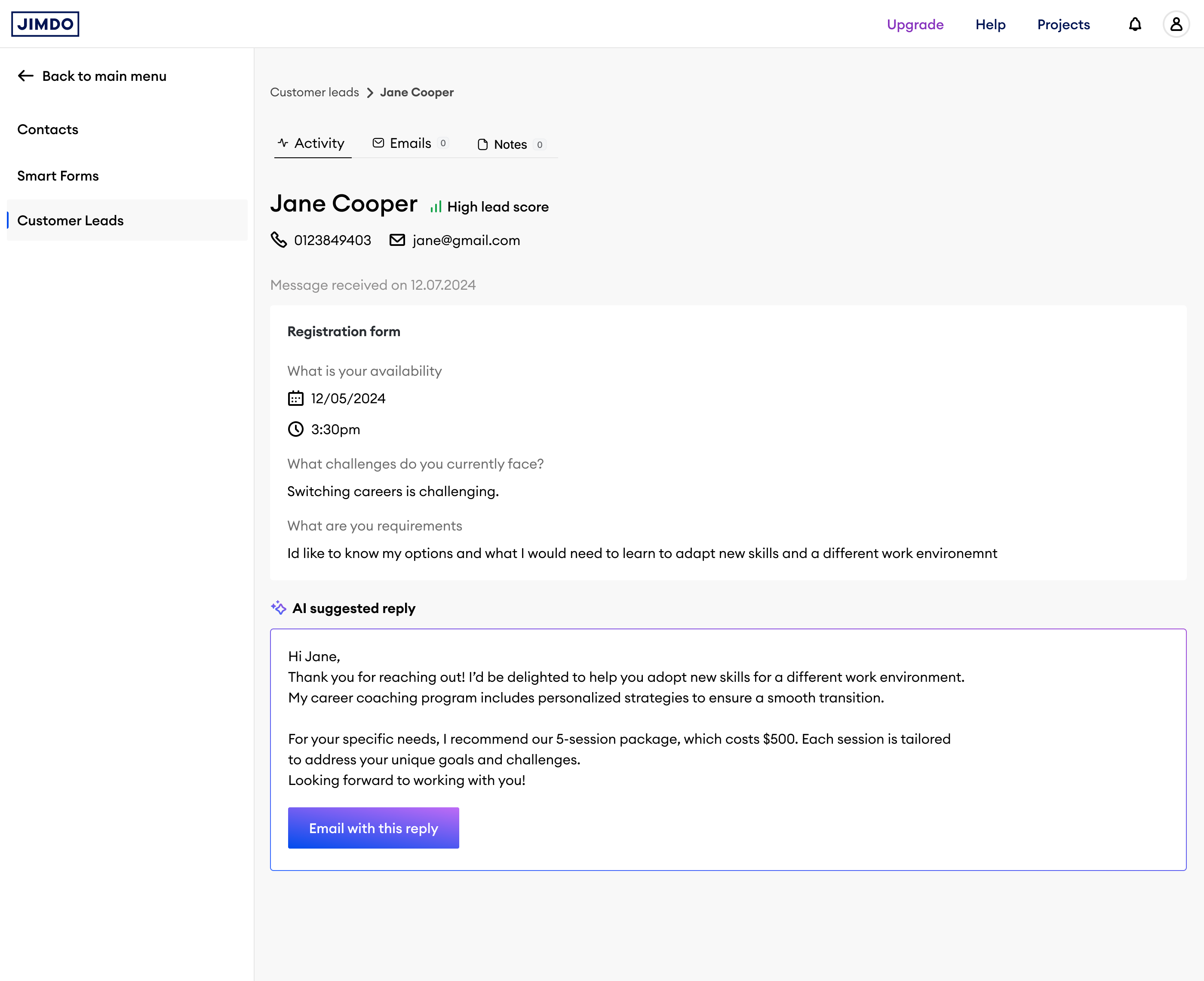
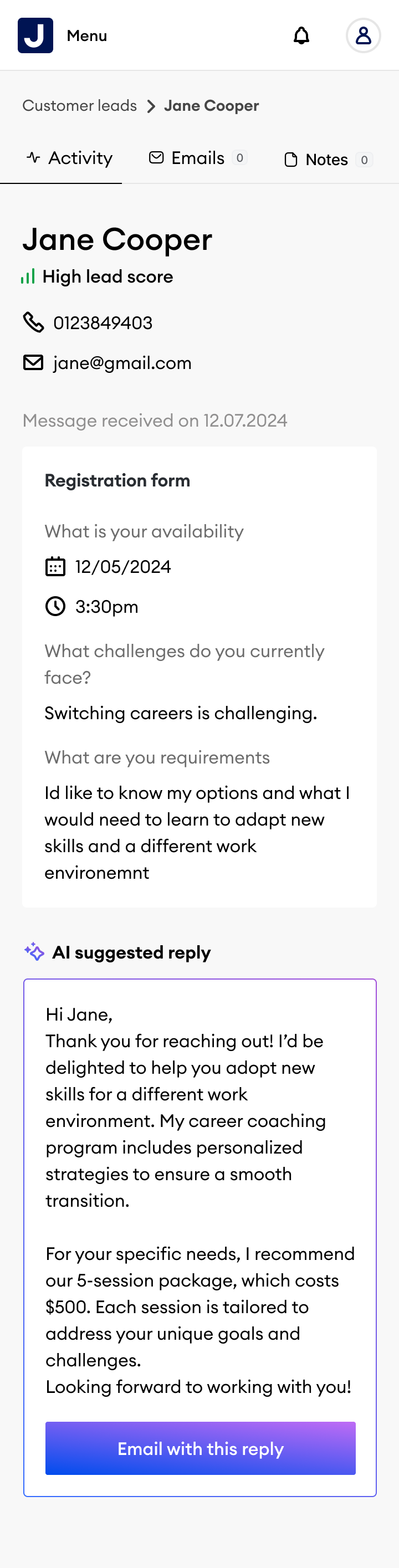
Each lead has a profile showing enquiry content, availability, contact details, lead score, and status. A suggested reply is pre-drafted; the user reviews and sends in one tap.
Three learnings from the beta that shaped how we thought about AI transparency and product simplicity.
Four directions that extend both surfaces further into AI-driven automation and conversion intelligence.
The hardest design problem is not the UI; it is knowing which information to surface and when. Lead scoring and smart suggestions only feel useful when the timing is right. Showing the right thing five minutes too late feels as bad as not showing it at all.
Smart features need to be humble. Suggestions, not commands. Confidence with an escape hatch. Every recommendation in the CRM was designed to feel like a smart colleague, not an automation that decided things without you.
Two products designed as a system are always stronger than two designed in isolation. Smart Forms and Vision CRM only reached their full potential when we stopped treating them as separate features and started thinking about the complete lead lifecycle.
Currently open to senior product design roles focused on AI, personalisation, and complex system design.
Get in touch →